BTUI - Bruce's Text User Interface Library
BTUI is a minimal, embeddable, single-header-file Text User Interface (TUI) library and alternative to bloatware like ncurses. BTUI aims to be less than 1% the size of ncurses, while also providing a better API for the programmer who is not afraid to roll up their sleeves and manage their own state. If you want a drop-in TUI library that lets you switch into TUI mode, write some strings to the screen with 24-bit color, and get user keypresses in real-time without line buffering, then this is the library for you! BTUI also has language bindings for both Lua and Python.
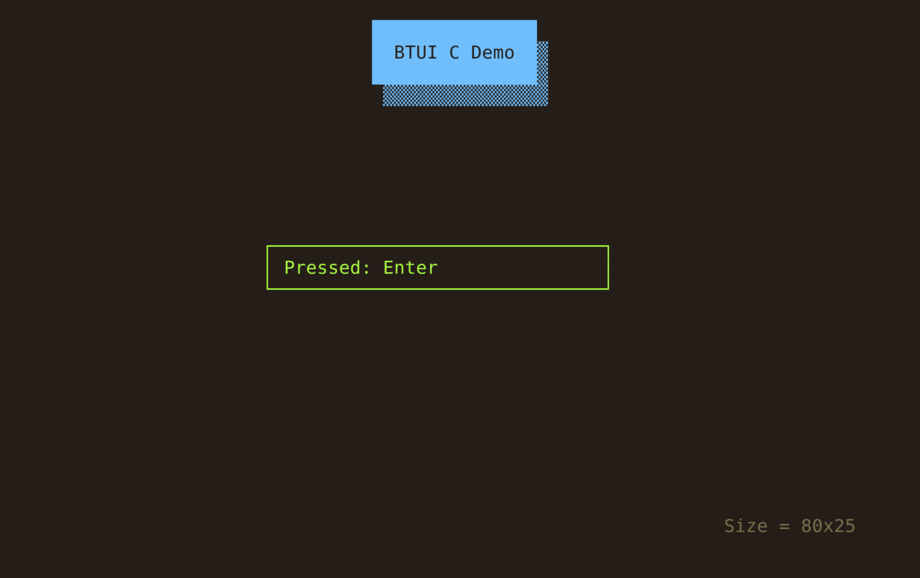
Note: Currently, BTUI is around 0.5% the size of ncurses, but some margin for growth is reserved for supporting additional features and constant declarations.
Cleanup by Default
Once BTUI is enabled, you can manually disable TUI Mode (e.g. if you want to
temporarily drop back to the regular shell). However, BTUI will always
automatically put the terminal back in a normal state when your program exits,
even in the event of a segfault or other blockable signal. BTUI can't do
anything about unblockable signals like SIGKILL though, so don't use killall -9 myprog unless you want a gunked up terminal (just use kill myprog
instead). If your terminal does get gunked up, you can always run the reset
shell command to reset it.
Easy 24-bit Colors
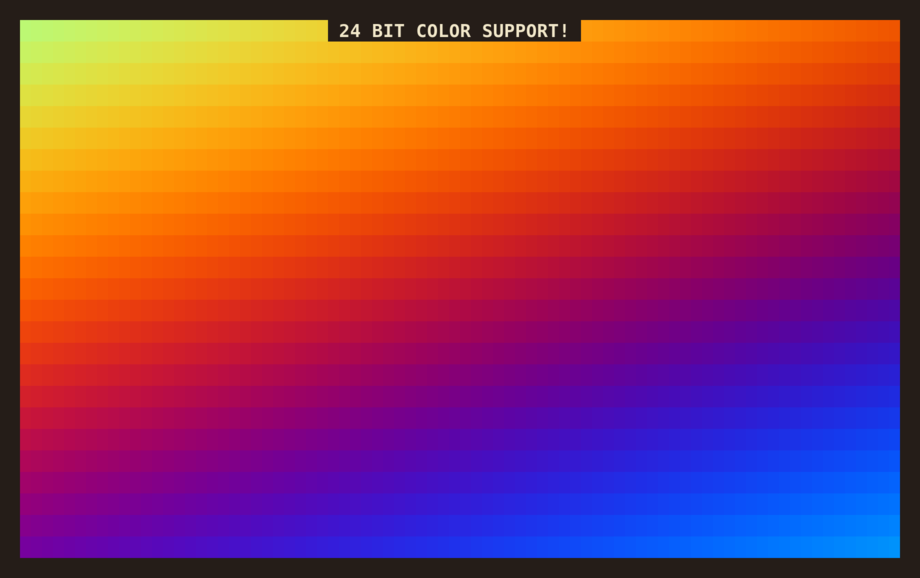
BTUI supports 24-bit colors. It's dead easy, just btui_set_fg(bt, r, g, b)
(foreground color) or btui_set_bg(bt, r, g, b) (background color). Try make rainbow to see a demo of 24-bit colors in action. This has been supported by
most terminals for aeons, but most TUI applications still default to using the
same 8 colors. It doesn't have to be that way! (Although you can still use
those colors with btui_set_attributes(bt, BTUI_BG_RED | BTUI_FG_BLACK) and so
forth.)
User Input
BTUI lets you get keyboard input for all keypress events handled by your
terminal, including mouse clicking and dragging. Warning: BTUI also hooks in to
Ctrl-c, Ctrl-d, Ctrl-z, and other keyboard events that normally have very
specific behavior in terminal programs. If you want that specific behavior,
then you'll have to implement it manually. The upside is that you're able to
handle it gracefully and do whatever cleanup you want. If you want to provide
Ctrl-z suspend functionality, you can use btui_suspend(bt).
Warning: xterm control sequences do not support all key combinations (e.g.
Ctrl-9) and some key combinations map to the same control sequences (e.g.
Ctrl-m and Enter, or Ctrl-8 and Backspace). Escape in particular is a
little bit odd, since it's only recognized as an escape keypress if some amount
of time has passed after pressing it with no new bytes being sent. Most of this
oddity is completely unavoidable, that's just the how terminals work. Escape
key handling can be improved slightly by polling with zero timeout.
Tips and Tricks
For best performance, try to structure your program to take advantage of terminal scrolling. It's much faster than redrawing every line on the screen.
Don't assume a string's length (in bytes) is the same as its width on the screen. Unicode characters and terminal escape sequences violate this assumption.
Don't clear the screen unless you need to. It causes a lot of unnecessary redrawing.
A good pattern to follow is: draw things from left to right, clearing to the right after each item. Then, once everything has been drawn, clear to the bottom of the screen. If you follow this approach, you won't have to worry too much about the screen width of the things you're writing. Also, the terminal won't flicker, since you're never blanking the whole screen, only part of a line at a time.
Text wrapping must be done manually, since many terminals do not support wrapping around to any point other than the first column, which is useless for any TUI uses other than text on the far left of the screen.
Language Bindings
BTUI comes with bindings for C, Python, and Lua.
C API
BTUI has the following C function definitions, as well as definitions for some constants, including terminal escape values and keycodes.